
Optimize Your Starlink Connection in 2025: A Complete Guide
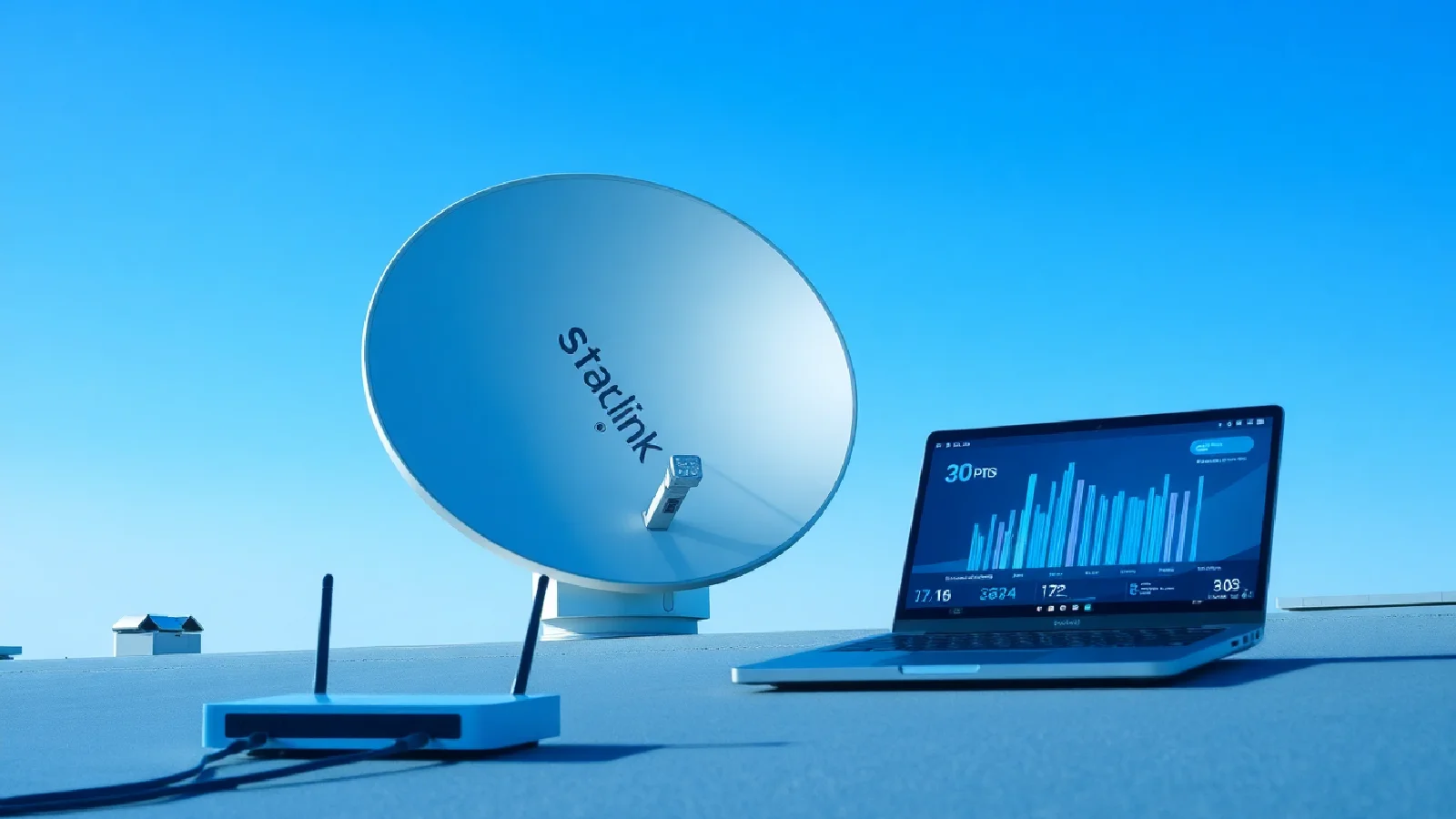
With over 2.7 million active customers and a network exceeding 7,000 satellites, Starlink stands as the benchmark for satellite internet in 2025. Average speeds now reach 200 Mbit/s in the United States and up to 250 Mbit/s in Europe, but optimizing your setup can significantly improve these performances. Between new software features and hardware enhancements, let's explore the best practices to get the most out of your Starlink connection.
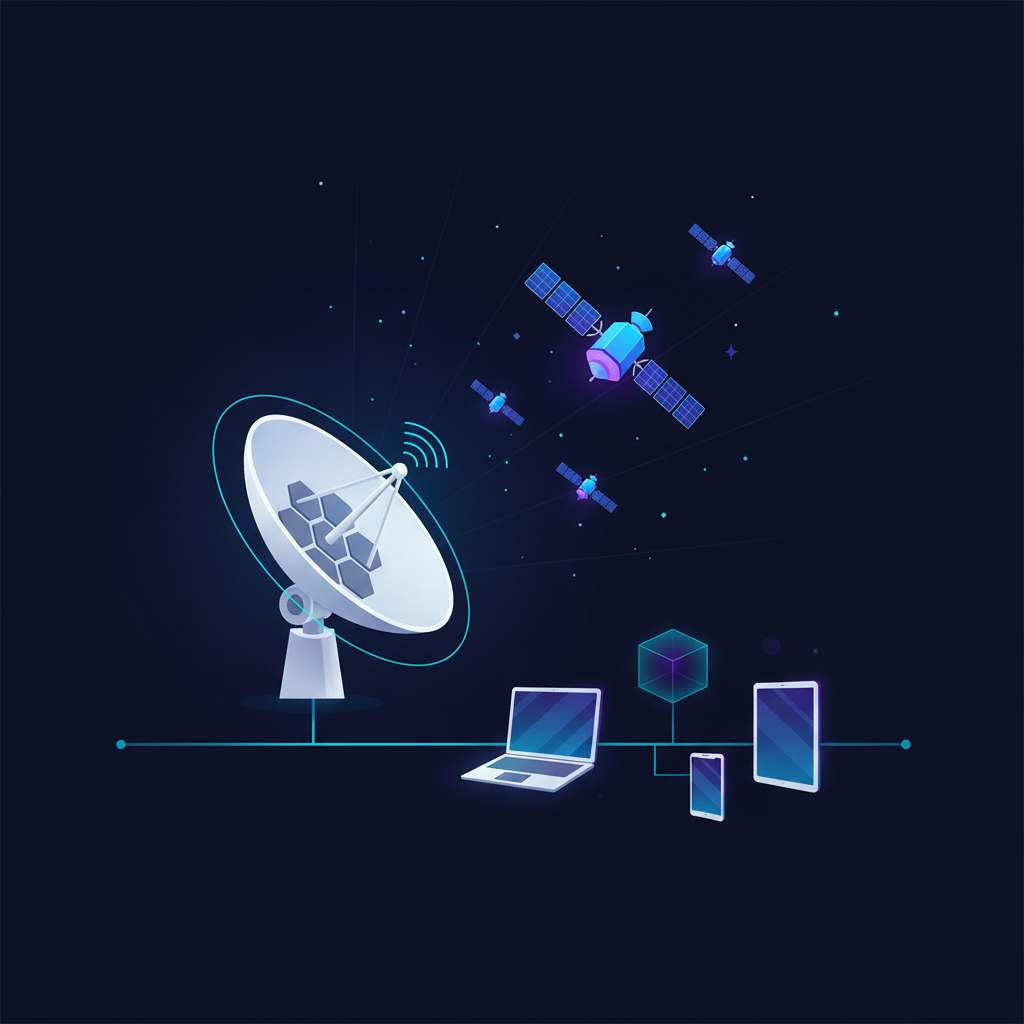
The rapid evolution of the Starlink constellation and regular system updates now offer unprecedented optimization possibilities. From automatic beam switching to new traffic management settings, every detail counts to maximize your user experience.
Starlink Terminal Placement and Installation
The positioning of your Dishy terminal remains the determining factor for optimal performance. In 2025, new-generation Starlink terminals integrate improved sensors that automatically analyze the environment to suggest the best location. For more details on installation, you can consult a complete guide for a successful installation.
Choosing the optimal location
Prioritize a stable support offering a 360-degree clear view. Trees, roofs, and buildings create shadow zones that disrupt satellite reception. The Starlink 2025 app now offers an augmented reality feature to visualize potential obstacles before installation.
The automatic beam switching system allows the terminal to switch between multiple satellites in real-time, partially compensating for temporary obstructions. However, optimal installation remains crucial for maintaining consistent speeds.
Connection and cabling
Avoid excessively long power cables that introduce signal loss. Direct Ethernet connection to the integrated router reduces latency by 5 to 15 milliseconds compared to Wi-Fi, a significant advantage for sensitive applications like gaming or professional video conferencing.
"A given user terminal in the United States can connect to dozens of satellites, allowing traffic routing to be diversified via a satellite with a stable connection." - Starlink Updates
Wi-Fi Configuration and Network Settings
The Starlink application has evolved considerably in 2025, integrating an advanced management dashboard that revolutionizes the user experience. This interface allows granular control over network parameters previously inaccessible.

Dual-band network optimization
Manually configure 2.4 GHz and 5 GHz networks with distinct names to control device distribution. 5 GHz offers higher speeds over short distances, ideal for fixed workstations, while 2.4 GHz provides better range for connected devices.
Dynamic Wi-Fi channel optimization automatically analyzes surrounding interference and adjusts the frequency hourly. This feature, enabled by default, can be customized according to your specific needs.
Security and access management
Use a robust WPA3 password with at least 15 characters, combining letters, numbers, and symbols. The guest network feature allows isolating non-critical devices without compromising the security of the main network.
Integrated parental controls now offer customizable filtering profiles per device, allowing fine-grained management of internet access according to family or professional needs.
QoS Features and Traffic Prioritization
Quality of Service (QoS) becomes a central element of Starlink optimization in 2025. These advanced settings allow you to prioritize traffic according to your usage priorities.
Available prioritization modes
- Streaming Mode: Optimizes bandwidth for Netflix, YouTube, and other video platforms
- Gaming Mode: Reduces latency and stabilizes connections for online games
- Telework Mode: Prioritizes video conferencing applications and file transfers
Bandwidth limitation configuration
The interface now allows setting quotas per device or per time slot. This feature is particularly useful for large households or small businesses wishing to guarantee minimum bandwidth for critical activities.
Automatic downloads can be scheduled during off-peak hours, thus optimizing the user experience during daily peak usage.
System Updates and Maintenance
Starlink firmware continuously evolves with monthly improvements bringing new features and performance optimizations. Enabling automatic updates ensures access to the latest enhancements without manual intervention.
Integrated diagnostic features
The 2025 application integrates real-time diagnostic tools displaying signal quality, satellite latency, and detailed traffic statistics. This information allows for quick identification of performance issues and adjustment of the configuration accordingly.
The integrated speed test now uses geographically distributed servers for a more representative measurement of actual performance based on your typical usage.
Weather condition management
Adaptive link management algorithms automatically compensate for weather disturbances. In degraded conditions, the system prioritizes connection stability over raw throughput, maintaining an acceptable user experience.
Intelligent scheduling automatically postpones large downloads during unfavorable weather conditions, preserving bandwidth for priority uses.
Continuous Monitoring and Optimization
Behavioral traffic analysis allows the system to learn your usage habits and automatically adapt network parameters. This integrated artificial intelligence progressively improves performance without user intervention.
Dashboards and metrics
The new dashboard displays detailed metrics including throughput history, traffic distribution by application, and latency statistics. This data facilitates the identification of bottlenecks and targeted configuration optimization.
The proactive alert function automatically notifies performance anomalies and suggests corrective actions adapted to your usage profile.
This continuous optimization approach, combined with current technological innovations, positions Starlink as a mature solution to replace traditional terrestrial connections, particularly in areas underserved by fiber optics.
Integration with Existing Ecosystems
Interoperability with home automation systems and enterprise networks is constantly improving. Starlink now natively supports standard IoT protocols, facilitating integration into modern technological ecosystems.
Compatibility with professional VPN solutions and telework tools ensures a seamless transition from traditional terrestrial connections. For more information on the evolution of internet infrastructures, consult our analysis of hybrid models.
Conclusion
Optimizing a Starlink connection in 2025 goes far beyond simply positioning the terminal. Between new diagnostic tools, advanced QoS settings, and integrated artificial intelligence, users have a complete arsenal to maximize their network performance.
| Feature | Main Benefit |
|---|---|
| Dishy Placement | 360° clear view for stable speeds |
| Dynamic QoS | Traffic prioritization based on usage |
| Auto Updates | Access to the latest optimizations |
| Int. Diagnostics | Quick problem identification |
The continuous evolution of the constellation, with over 2,300 satellites recently added, promises constant improvements in coverage and throughput. Massive investments in ground infrastructure complement this approach to offer a credible alternative to traditional terrestrial connections. Additional information on Starlink prices and subscriptions can be found here.
The future of Starlink looks promising with the progressive integration of technologies like advanced beamforming and predictive traffic management, paving the way for even higher performance in the years to come.