Thunderbolt 5: The Future of Mobile Pro Setups and eGPUs
Plug in a single cable and watch your ultrabook transform into a complete workstation in under a minute: that's the promise of Thunderbolt 5. For mobile professionals juggling demanding projects and travel, or gamers who refuse to choose between portability and raw power, this new generation of connectivity is a game-changer.
Far from mere theoretical benchmarks, Thunderbolt 5 concretely redefines the mobile professional setup ecosystem. With up to 120 Gb/s in unidirectional mode and 80 Gb/s bidirectional, the technology opens up unprecedented possibilities: triple 4K display at 120 Hz, near-lossless eGPU performance, and multi-terabyte transfers in seconds. Let's decode the real-world uses that are already revolutionizing creative and gaming workflows.
Mobile Infrastructure Redesigned: The Thunderbolt 5 Dock
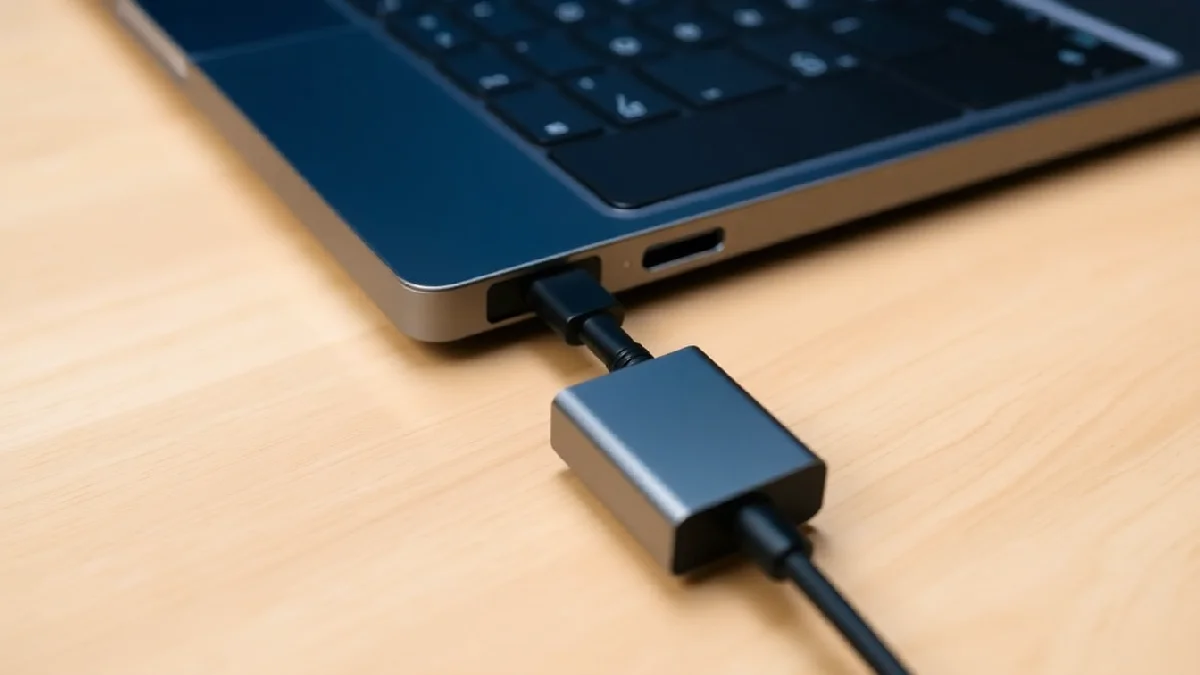
The Razer Thunderbolt 5 Dock perfectly embodies this evolution. By integrating an M.2 slot for an 8TB external SSD, 140W power delivery, and the ability to charge a laptop up to 240W via USB Power Delivery, it centralizes the entire professional infrastructure.
An Instant Workstation
For a content creator, engineer, or data analyst, the equation is simple: arrive on-site, plug in the dock, and immediately access two reference monitors, an ultra-fast SSD containing project files, and sufficient power to keep the laptop fully charged even under maximum load. Razer is betting on Thunderbolt 5 to radically transform the mobile work experience.
Power per port reaches 15W, allowing simultaneous connection of power-hungry peripherals without an additional external hub. The 80 Gb/s bandwidth in bidirectional mode eliminates bottlenecks even when editing 8K video or rendering complex 3D scenes directly from the ultrabook.
Thunderbolt Share: Unifying Multiple Machines
The Thunderbolt Share feature centralizes control of multiple computers from a single workstation. A video editor can simultaneously control their main laptop and a dedicated rendering workstation, share files and peripherals without perceptible latency, and switch between environments with a few clicks.
This fluidity transforms the workflow: no more duplicating files between machines, juggling USB peripherals, or manually configuring the local network. Everything passes through the dock, which orchestrates the hardware symphony.
The eGPU Finally Matures: Gaming and Rendering Without Compromise
Long hampered by the bandwidth limitations of Thunderbolt 3 and 4, eGPU enclosures finally find their true purpose with Thunderbolt 5. The Razer Core X V2 leverages 80 Gb/s, equivalent to 8 PCIe Gen 3 lanes.
Performance Losses Reduced to a Minimum
Where Thunderbolt 3 imposed performance losses of 20 to 30% compared to an internally mounted GPU, Thunderbolt 5 reduces this handicap to only 5 to 15%. For a demanding gamer, this means playing at 1440p ultra-high refresh at 144 Hz, or even 4K at 60-120 Hz, on a thin 1.5 kg laptop that can be carried anywhere. This article details how Thunderbolt 5 doubles speeds for gamers and creators.
"The 80 Gb/s bandwidth finally allows an RTX 5080 GPU to be attached to an ultrabook without sacrificing the desktop experience."
Concrete Use Cases
An architecture professional can work during the day on plans and light models while mobile, then return home in the evening, connect the eGPU, and launch photorealistic renders by utilizing a high-end graphics card. The same device thus serves for mobile work and the most demanding tasks, without hardware duplication.
For gamers, the equation is similar: portability during the week for work or study, unleashed power on weekends for 4K gaming or virtual reality. Razer is thus relaunching the eGPU gamble with a strong argument: the technology has finally caught up with the ambition. The maturity of eGPUs with Thunderbolt 5 is also highlighted in this short explanatory video.
Triple Display and Creative Workflows
Connecting three 4K 120 Hz displays simultaneously, or a single display at reduced resolution at 540 Hz: Thunderbolt 5 opens up new possibilities for multi-screen workflows.
Optimal Multi-Monitor Setup
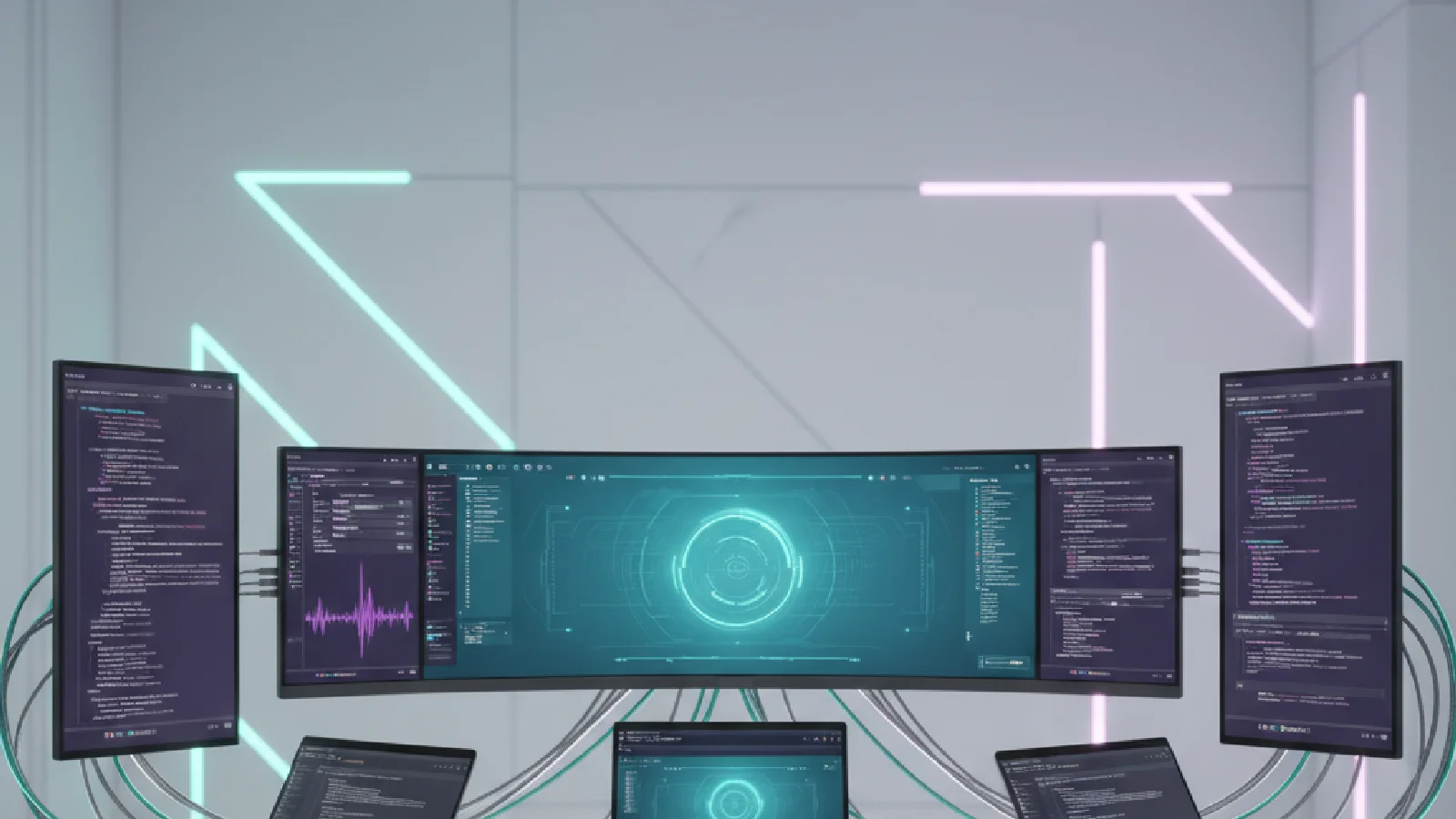
A trader, developer, or video editor can now deploy a three-screen environment from an ultrabook. The 120 Gb/s bandwidth in unidirectional mode ensures perfect fluidity, without compression or latency, even with 10-bit display for professional colorimetry work.
This capability transforms the mobile experience: on the go, the laptop suffices; in the office or at home, a single cable deploys the complete infrastructure. No more overloaded USB-C docks, no more cascaded DisplayPorts, no more compromises on resolution or refresh rate.
Gamers and Esports
For esports competitors or streamers, a primary 540 Hz screen (at an adapted resolution) offers extreme responsiveness, while secondary screens manage chat, overlays, and system monitoring. All this from a portable gaming laptop, without a bulky desktop tower.
Data Transfers at the Speed of Thought
Creatives handling large files — 8K RAW videos, high-resolution 3D scans, massive audio libraries — save valuable time thanks to Thunderbolt 5 speeds.
Concrete Examples
- A wedding photographer transfers a library of several hundred gigabytes from their SD card to their external SSD in seconds.
- A videographer backs up their 2TB Premiere Pro project to a backup drive in less than five minutes.
- A simulation engineer transfers their datasets between laptop and local server with no perceptible wait.
These time savings accumulate over days and transform the pace of work. Less waiting, more focus on value-added tasks, fluid workflows even on the go.
Ecosystem and Compatibility: A Gradual Rollout
Thunderbolt 5 relies on an ecosystem that is gradually being built. The first equipped laptops will appear in 2025, particularly from Intel with its new generation processors, while manufacturers like Razer, Dell, and Lenovo are announcing compatible ranges.
Backward Compatibility and Transition
Good news: Thunderbolt 5 remains backward compatible with Thunderbolt 4, 3, and classic USB-C. A Thunderbolt 5 dock or eGPU will therefore work with older laptops, albeit at reduced speeds, but without technological disruption. This smooth transition reassures professionals who invest in expensive peripherals.
To learn more about the differences between generations of connectivity, consult our complete USB4 and Thunderbolt 5 guide.
Price and Accessibility
Thunderbolt 5 docks are positioned in high price ranges, like the Razer Thunderbolt 5 Dock or future Belkin and OWC models. But for professionals whose workflow depends on performance, the investment is quickly justified by productivity gains and hardware simplification.
The Future of Hybrid Setups: Mobility and Power Reconciled
Thunderbolt 5 marks a turning point in workstation philosophy. Where previously one had to choose between a light but limited laptop and a powerful but fixed desktop tower, the new connectivity allows for everything: radical mobility on the go, maximum power at a fixed station.
Comparison of Thunderbolt Generations
| Feature | Thunderbolt 3 | Thunderbolt 4 | Thunderbolt 5 |
|---|---|---|---|
| Bi-directional Bandwidth | 40 Gb/s | 40 Gb/s | 80 Gb/s |
| Uni-directional Bandwidth | N/A | N/A | Up to 120 Gb/s |
| Display | 2x 4K @ 60Hz | 2x 4K @ 60Hz or 1x 8K @ 30Hz | 3x 4K @ 120Hz or 1x 540Hz (adapted resolution) |
| eGPU Perf. Loss | 20-30% | 15-25% | 5-15% |
| USB Power Delivery (max) | 100 W | 100 W | 240 W |
Medium-Term Vision
Within two to three years, we can anticipate a generalization of hybrid setups: ultra-thin laptops weighing 1 to 1.5 kg for mobility, connected to Thunderbolt 5 docks or eGPUs for stationary power. Classic desktop towers will not disappear, but their relevance will diminish for a large portion of users.
Creative professionals, engineers, data analysts, and demanding gamers will find in this architecture the flexibility necessary for contemporary work and lifestyles. The mobile setup finally becomes as powerful as the fixed setup, without the usual compromises.
To discover other hardware innovations transforming usage, consult our article on Vision Pro and its impact on the AR market.