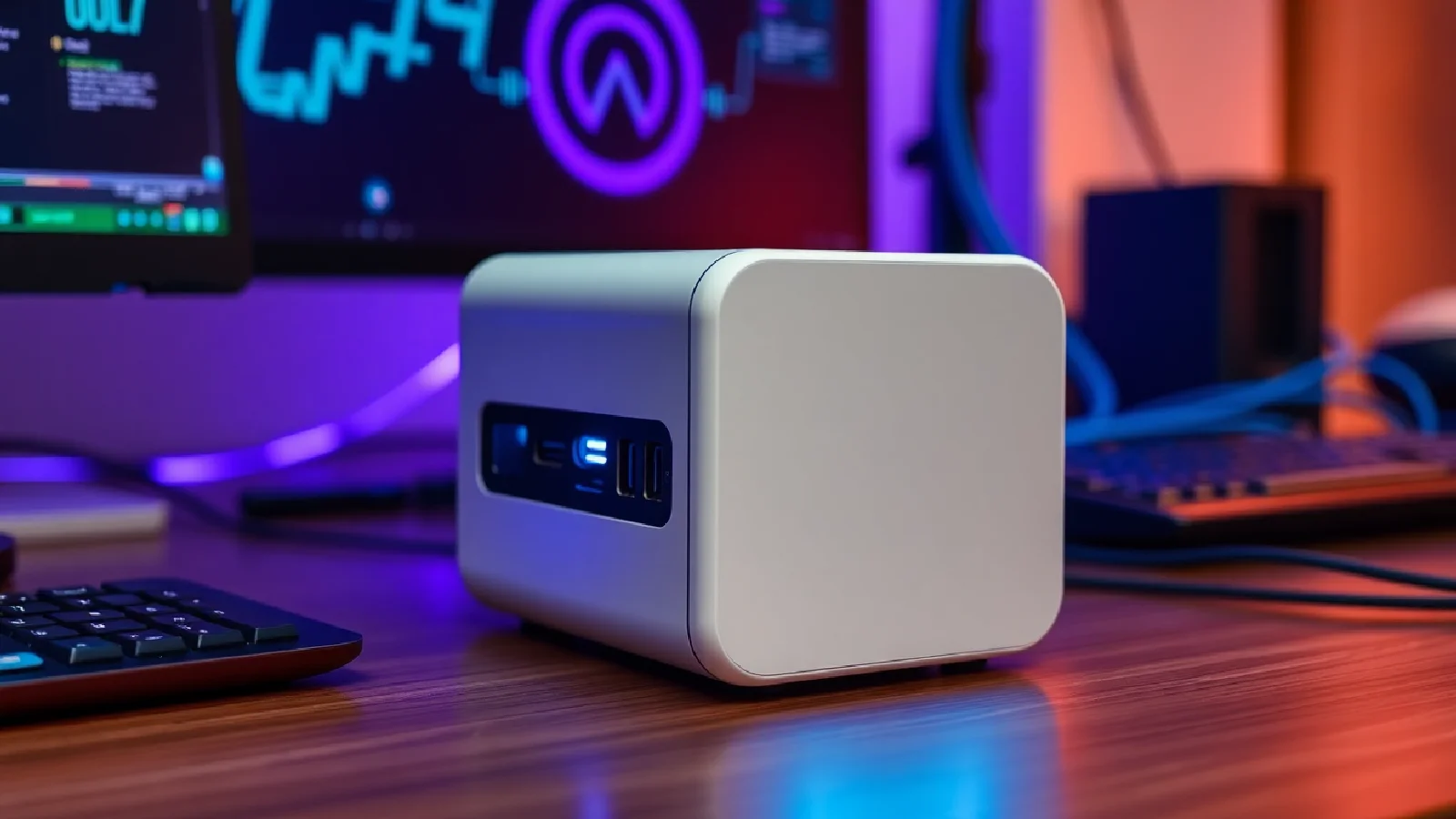
USB4 v2 and Thunderbolt 5: 80 Gbps Connectivity for the Self-Hosting Era

The ZimaCube 2 already features two Thunderbolt 4 (40 Gbps) ports and 10 GbE. But the arrival of USB4 v2 and Thunderbolt 5, both clocked at 80 Gbps in bidirectional mode, redefines what a self-hosting platform can achieve: file transfers twice as fast, 240 W power delivery via USB Power Delivery, and DisplayPort 2.1 tunneling for 8K displays or two simultaneous 6K displays. The goal? To transform a compact NAS into a true hub for ultra-fast multimedia editing, virtual machines, and containers.

Thunderbolt 5 vs USB4 v2: Converging Specifications, Diverging Certification
Both standards share the same technical foundation: 80 Gbps bidirectional and up to 240 W of power delivered via USB-PD. However, a key difference remains in certification. Thunderbolt 5 mandates 80 Gbps as a minimum requirement, while USB4 v2 leaves this capability optional: a USB4 v2 device can settle for 22 Gbps and still comply with the standard.
Intel, the architect of Thunderbolt, goes further with Bandwidth Boost Mode, an asymmetrical configuration that pushes up to 120 Gbps for sending data (for an 8K video stream, for example) while maintaining 40 Gbps for return data. This mode targets content creators who edit 6K or 8K video in real-time, directly from external NVMe storage connected to the NAS.
Compliance and Predictability
The USB4 v2 ecosystem presents a risk of fragmentation: two USB4 v2 certified peripherals can exhibit very different real-world speeds (20, 40, or 80 Gbps). Thunderbolt 5, on the other hand, guarantees complete predictability: every certified device will deliver at least 80 Gbps and 140 W (240 W optional), simplifying the choice of docks, NVMe enclosures, and eGPUs for self-hosting platforms.
| Feature | Thunderbolt 5 | USB4 v2 |
|---|---|---|
| Bandwidth | 80 Gbps (mandatory), 120 Gbps (asymmetric) | Optional (20 Gbps, 40 Gbps, 80 Gbps) |
| Power Delivery | 140 W (mandatory), 240 W (optional) | 240 W (optional) |
| Certification | All devices are tested and certified | Certification not mandatory for all specifications |

ZimaCube 2: Current Architecture and Bottlenecks
The ZimaCube 2 is based on 12th generation Intel Alder Lake processors (i3-1215U, i5-1235U, or even a Creator pack with dedicated GPU). In a 240 × 221 × 220 mm chassis, it houses six SATA III/NVMe bays, up to four M.2 slots, one PCIe 4.0 x16 slot (wired as x4) for GPU, two Thunderbolt 4 ports, four USB 3.0 Type-A ports, two 2.5 GbE Ethernet ports (10 GbE optional), and HDMI 2.0 + DisplayPort 1.4 outputs.
Currently, Thunderbolt 4 ports are capped at 40 Gbps: a RAID 0 of four external NVMe SSDs (each capable of 7 GB/s over PCIe 4.0) already saturates the bandwidth. For multi-camera 4K editing workflows or incremental backups of several terabytes, this limitation results in doubled waiting times.
“With Thunderbolt 5, transferring a 500 GB Premiere Pro project goes from 3 min 30 to 1 min 45 – a dramatic gain for creative iteration.”
From 40 to 80 Gbps: Concrete Gains for Self-Hosting
File Transfers and Backups
An external PCIe 4.0 NVMe enclosure connected via Thunderbolt 4 tops out at around 4 GB/s (32 effective Gbps after overhead). With Thunderbolt 5, the same enclosure can reach 8 GB/s, close to the theoretical maximum of a modern SSD. Winning scenarios:
- Incremental backup of virtual machines: halves the maintenance window.
- 6K footage ingest: a 1 TB shoot copies in ~2 minutes instead of 4+.
- Multi-site synchronization: faster replication to a remote NAS or private cloud.
240 W Power Delivery: New Use Cases
USB Power Delivery 3.1 EPR (Extended Power Range) goes up to 240 W. This power allows direct powering of:
- An eGPU (external graphics card) for H.265/AV1 transcoding or local AI inference (Stable Diffusion, LLM).
- Thunderbolt 5 docks that redistribute 100 W to a laptop, while also powering external drives and displays.
- High-density RAID storage bays without an additional power adapter.
For a ZimaCube 2 configured as an all-in-one workstation, this means fewer cables, less power supply, and a more compact setup.
DisplayPort 2.1: From NAS to 8K Editing Station
Thunderbolt 5 integrates DisplayPort 2.1 tunneling, capable of driving an 8K display at 60 Hz (or two simultaneous 6K displays), or even 4K monitors at 540 Hz for gaming or simulation. On a ZimaCube 2, this transforms the connectivity into a multimedia production hub:
- Native 8K video editing from internal storage (NVMe RAID).
- 10-bit HDR preview without compression via HDMI 2.1 or DP 2.1.
- Multi-camera workflows with synchronized preview on two 6K screens.
Interoperability and Ecosystem: Cables, Docks, and Peripherals
Certified Cables
Active Thunderbolt 5 cables (with integrated repeaters) achieve 80 Gbps over 2 meters; beyond that, the speed drops to 40 Gbps. Less expensive passive USB4 v2 cables may be limited to 40 Gbps even over short distances. The Thunderbolt 5 Certified label becomes a guarantee of maximum performance, whereas USB4 v2 requires careful checking of cable specifications.
Docks and Hubs
A Thunderbolt 5 dock will typically provide:
- 3 Thunderbolt 5 ports in daisy-chain (including one upstream).
- Integrated 10 GbE or 2.5 GbE Ethernet.
- USB-A 3.2 Gen 2 (10 Gbps) ports for legacy peripherals.
- Native DisplayPort 2.1 or HDMI 2.1 output.
- 100 W power to the host + 15 W redistribution per port.
For a ZimaCube 2 user, this means a single anchor point: connecting laptop, external storage, displays, and network via a single USB-C cable.
External NVMe and RAID Enclosures
Manufacturers like OWC, Acasis, or CalDigit are already preparing four-slot M.2 Thunderbolt 5 RAID enclosures, capable of 16 GB/s aggregated. For a self-hoster, this is an opportunity to scale storage without opening the NAS chassis: an external 16 TB enclosure (4 × 4 TB) becomes an ultra-fast cache volume for Docker containers or Proxmox VMs.
Challenges and Technical Limits
Availability and Cost
Thunderbolt 5 will appear massively in laptops and NAS devices starting in 2024-2025, but the full ecosystem transition will take 18 to 24 months. Certified active cables will remain expensive (€50 to €80 for 2 meters), and high-end docks will approach €400 to €500.
Backward Compatibility
A Thunderbolt 4 or USB4 v1 peripheral will work on a Thunderbolt 5 port, but capped at 40 Gbps. Conversely, a Thunderbolt 5 cable will work on a TB4 port, but without performance gain. This backward compatibility ensures a smooth transition, but users will need to audit their accessory park to identify bottlenecks.
Cooling and Thermal Design
Pushing 80 Gbps through a 2.4 mm thick USB-C connector generates heat. The first Thunderbolt 5 docks already integrate active heatsinks or solid aluminum chassis. The ZimaCube 2, which already features a front ventilation system, will need to adapt its thermal design if a future revision integrates Thunderbolt 5, especially in a Creator configuration with a GPU.
Towards a ZimaCube 3 with Thunderbolt 5?
While no official announcement exists, the adoption of Thunderbolt 5 on a potential ZimaCube 3 generation seems logical. Intel Lunar Lake (2024) and Arrow Lake (2025-2026) processors will natively integrate Thunderbolt 5, simplifying integration. Such a model could offer:
- Two Thunderbolt 5 ports (160 Gbps cumulative bidirectional).
- 10 GbE as standard, or a 25 GbE option on a PCIe card.
- Native DisplayPort 2.1 support for 8K workflows.
- 240 W Power Delivery to power eGPUs and external RAID bays without an intermediate hub.
This configuration would transform the ZimaCube into a true converged workstation: NAS, container server, video editing station, and local AI hub, all in a chassis under 6 liters.
The imminent arrival of these standards could also reshuffle the cards in the personal cloud solutions market, where AWS, Microsoft, and Google are already vying for public cloud supremacy. For self-hosting enthusiasts, having 80 Gbps connectivity locally offers a credible alternative to centralized cloud, especially for sensitive or very high-bandwidth workflows.
Practical Use Cases for High-Performance Self-Hosting
Video Editing and Transcoding
A video editor can now edit 4K ProRes RAW proxies from an external Thunderbolt 5 RAID, with no perceptible latency. H.265 or AV1 transcoding is performed on an eGPU connected to the same port, powered by the 240 W bus.
Virtual Machines and Containers
Proxmox or TrueNAS Scale can host VMs with virtual disks (vdisks) on an external NVMe volume: latency remains below 1 ms, comparable to internal PCIe storage. Docker containers access data at full speed, critical for PostgreSQL or MariaDB databases in production.
Local AI Inference
Language models (LLaMA 3, Mistral) or image generation models (Stable Diffusion XL) run on an RTX 4090 eGPU connected via Thunderbolt 5. The ZimaCube 2 acts as an inference server, accessible from the local network via a FastAPI or Ollama API. The 80 Gbps bandwidth allows near-instant loading of models several tens of gigabytes in size.
Backup and Archiving
An external 64 TB RAID enclosure (4 × 16 TB) via Thunderbolt 5 serves as a cold tier for archiving. Incremental Restic or Borg backups run overnight, leveraging the 80 Gbps to reduce the backup window from several hours to less than an hour.
ARM Architecture and Evolving Hardware Landscape
Although the ZimaCube 2 remains faithful to Intel Alder Lake x86, the ARM ecosystem is progressing rapidly. AWS Graviton processors and Meta's ARM chips are redefining datacenter energy efficiency. In the medium term, an ARM NAS with Thunderbolt 5 could combine low power consumption (< 15 W idle) and brutal connectivity (80 Gbps), paving the way for completely silent and ultra-compact self-hosters.
Local Network: 10 GbE and Beyond
The ZimaCube 2 already offers 10 GbE as an option. Coupled with a 10 GbE switch (Ubiquiti, MikroTik, Netgear), a local network can saturate 10 Gbps (1.25 GB/s) between multiple workstations. But for direct workstation-to-NAS transfers, Thunderbolt 5 multiplies this throughput by eight (80 Gbps = 10 GB/s), without going through the Ethernet network. This becomes crucial for workflows where a single user handles massive files: 8K editing, scientific simulations, Blender 3D rendering.
For homes or small teams already equipped with WiFi 7 Mesh, the equation changes: WiFi 7 theoretically reaches 46 Gbps, but in practice rarely more than 5-6 effective Gbps. Thunderbolt 5 remains the ultimate wired option to ensure minimal latency and constant throughput.
Outlook: Self-Hosting and Digital Sovereignty
The explosion of local connectivity capabilities (80 Gbps) and power (240 W) reshuffles the cards for the personal cloud. A user equipped with a new-generation ZimaCube + Thunderbolt 5 can:
- Host sensitive data (photos, videos, documents) without entrusting them to Google Drive or Dropbox.
- Run web applications (Nextcloud, Bitwarden, Jellyfin) accessible remotely via WireGuard or Tailscale.
- Execute local AI workloads (LLM, OCR, speech recognition) without sending data to OpenAI or Azure.
- Archive and version all digital creations with RAID redundancy and external Thunderbolt 5 backups.
This digital sovereignty becomes technically accessible without datacenter expertise: a compact chassis, a ZimaOS or TrueNAS OS, and an ecosystem of Thunderbolt 5 certified peripherals.